
For thousands of mid-sized distribution and manufacturing businesses in India, Tally is the undisputed source of truth for accounting and GST compliance. However, as these businesses scale their physical operations, they realize that Tally is an accounting system, not a Warehouse Management System (WMS).
Tally knows you have 500 units of SKU-A. It does not know that 200 units are on Rack 4, 300 units are on Rack 7, and that the batch on Rack 4 expires next month and must be picked first.
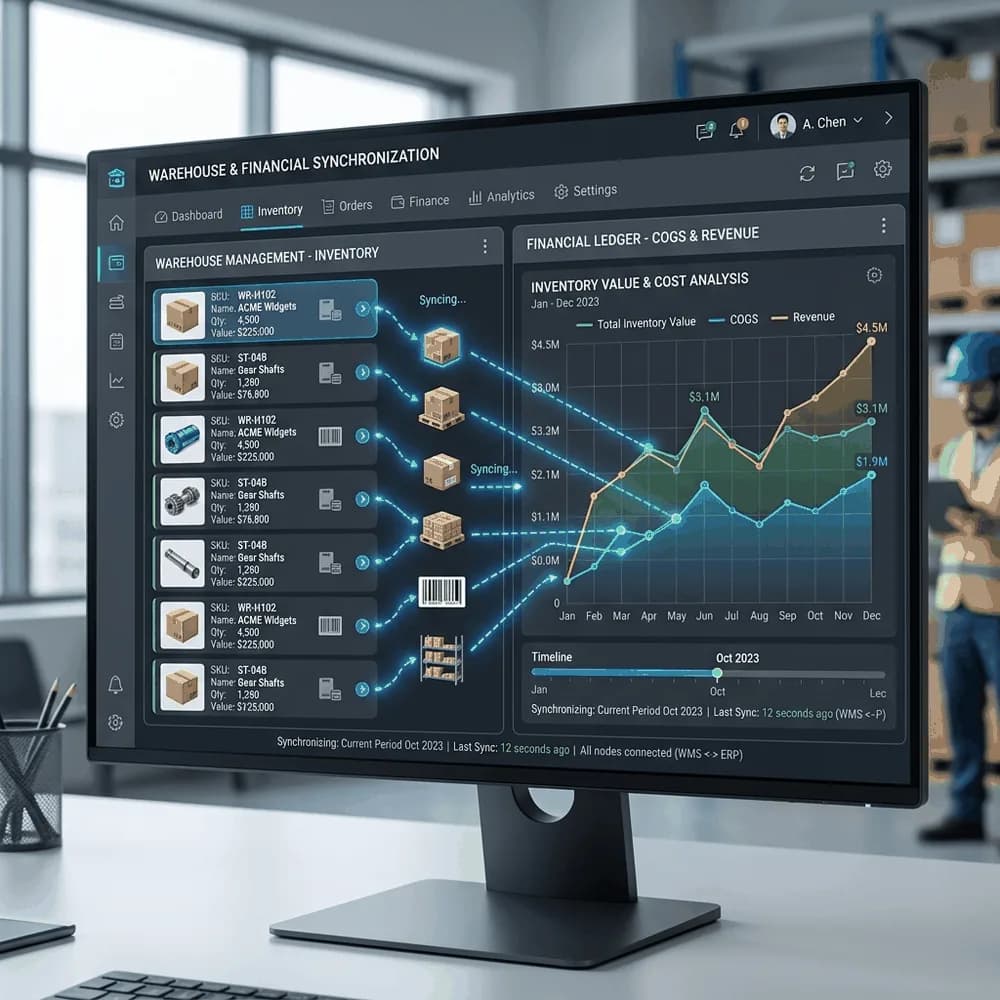
To manage physical logistics, companies implement a dedicated WMS. But running a WMS and Tally in silos creates a massive data entry burden. Here is how a proper Tally-WMS integration works and the operational friction it eliminates.
The Core Data Flows
A robust integration relies on bi-directional data flow, typically utilizing Tally's XML/JSON API via TDL (Tally Definition Language) customizations.
- Item Master Sync: When a new product is created in Tally, it automatically pushes to the WMS. This ensures both systems use the exact same SKU codes, descriptions, and tax classifications. WMS relies on this to configure barcode scanning parameters.
- Purchase Orders (Inbound): The procurement team creates a Purchase Order in Tally. This PO flows to the WMS as an "Expected Receipt." When the truck arrives, WMS operators scan the goods against this digital PO. If they receive 98 units instead of 100, the WMS pushes a Goods Receipt Note (GRN) back to Tally for exactly 98 units, preventing accounts from overpaying the supplier.
- Sales Orders (Outbound): The sales team enters an order in Tally. This immediately drops into the WMS as a "Pick Task." The WMS guides the picker to the exact bin locations to fulfill the order.
The Invoicing and E-Way Bill Handshake
The most critical part of the integration happens at the dispatch bay.
A customer ordered 50 units, but the picker only found 48 units in sellable condition. The WMS packs and seals a box of 48.
If the WMS is not integrated, someone has to call the billing desk, tell them to amend the Tally invoice from 50 to 48, and regenerate the E-Way bill, delaying the delivery truck.
With an integration, the WMS pushes the exact packed quantity back to Tally via API. Tally automatically generates the final Sales Invoice for 48 units, calculates the exact GST, generates the E-Way bill, and pushes the PDF invoice back to the WMS so the packing station can print it and stick it on the box. Zero phone calls, zero manual data entry.
Why This Integration Fails
Tally integrations usually fail for one reason: Batch and Godown mismatch.
If your WMS tracks inventory at a granular batch/expiry level, but Tally is configured to only track at the item level, the systems will constantly throw sync errors when WMS tries to post a batch-specific GRN into Tally. Before writing a single line of integration code, WMS consultants and Tally partners must sit down and completely align the WMS location hierarchy with the Tally Godown structure, and ensure WMS batch settings mirror Tally's batch tracking configurations exactly.